Make a moodboard from what you’ve saved.
Fleeep turns the things you collect into moodboards. Put photos, palettes, quotes and notes on a board, arrange them freely, then share the board or save it as a picture.
Free. Works on your phone and your computer.
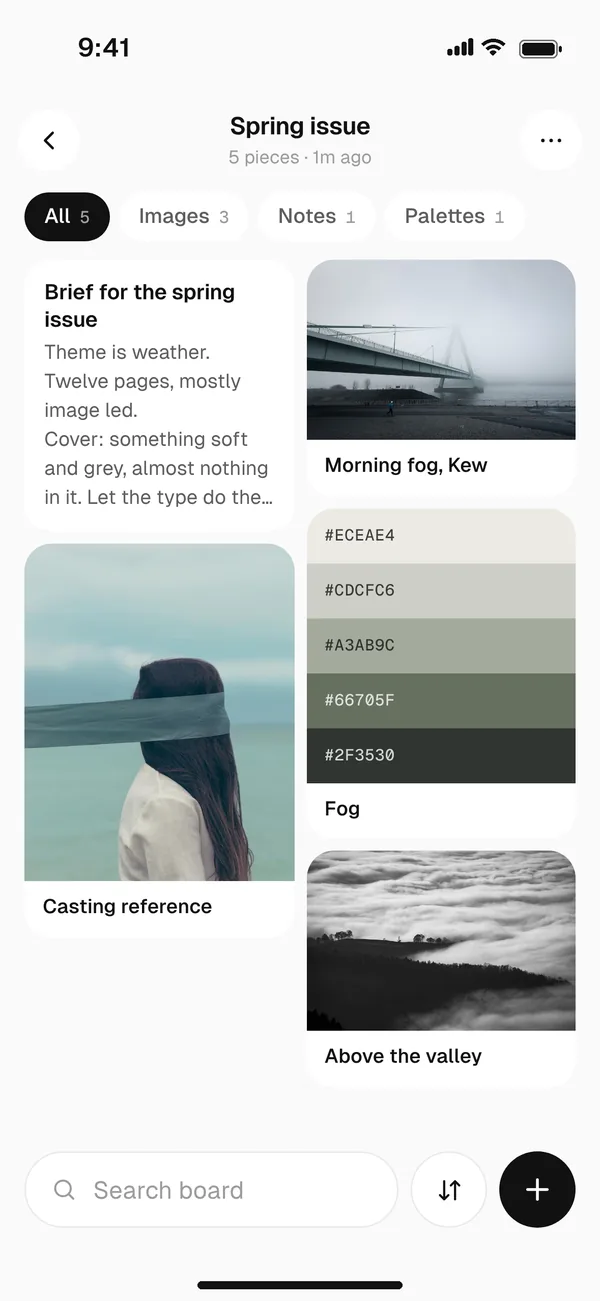
Start with a board.
Make a board for the project and add to it as you go: photos, screenshots, colours, links, quotes, even voice notes. Anything you save can sit on more than one board.
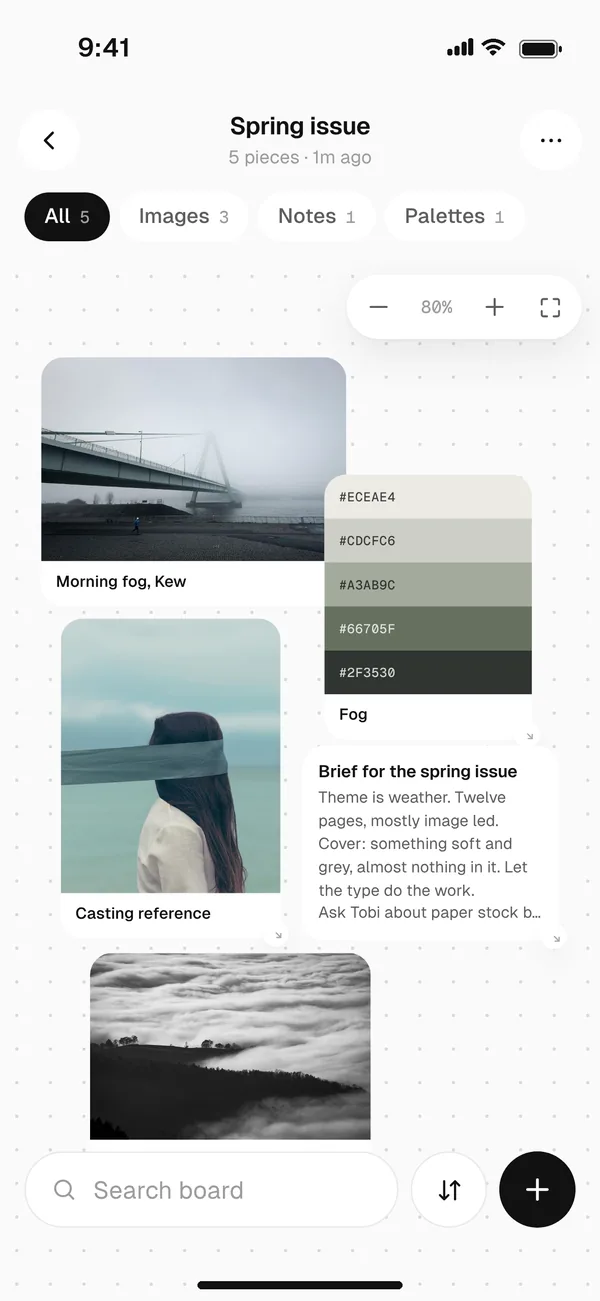
Arrange it on a canvas.
Switch the board to canvas and move things around until it feels right. Your layout stays exactly where you left it, on your phone and your computer.
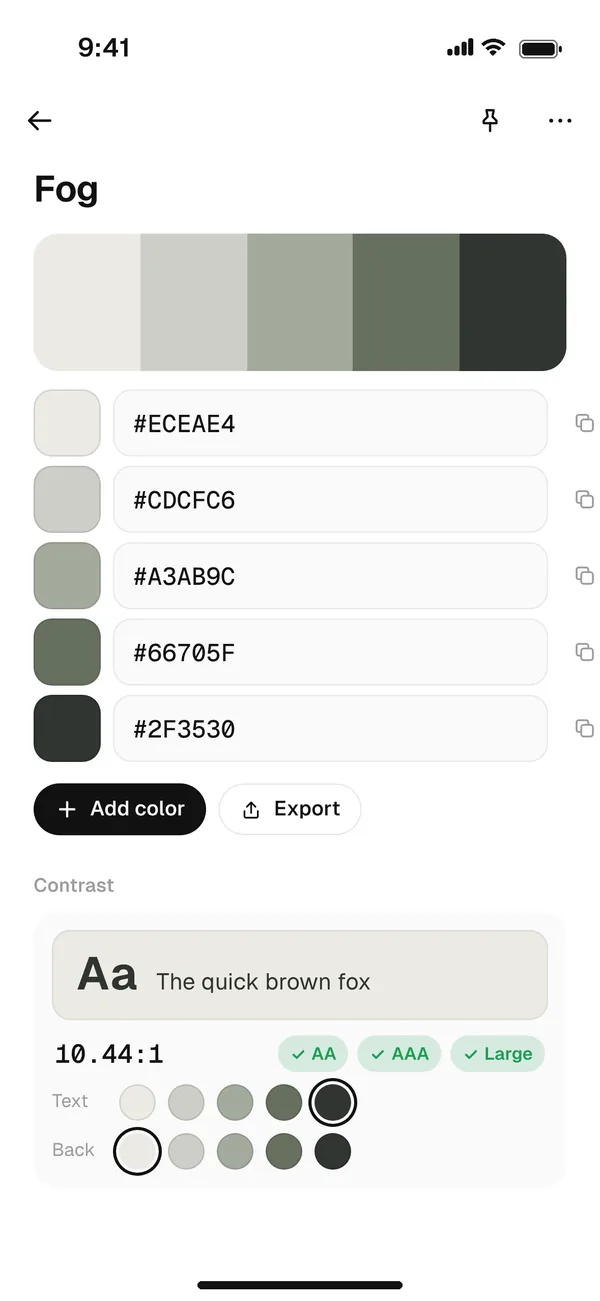
Bring the colours in.
Turn any photo into a palette, copy the hex codes and check how the colours read together before you commit to them.
Send it anywhere.
Save the moodboard as a picture or a PDF, ready for a deck or a client email. Or share the board itself with a link, so people always see the latest version.
Questions
Can I make a moodboard on my phone?
Yes. Boards and the canvas work on phones as well as computers, and your layout syncs between them.
Can I save a moodboard as a PDF?
Yes. Save any board as a picture (JPG) or a PDF, or share it with a link instead.
What can go on a moodboard?
Anything you save in Fleeep: photos, screenshots, sketches, colour palettes, quotes, notes, links and voice notes.
Is Fleeep free?
Yes. Fleeep is free to use. There are no ads, and we never sell your data.
Your next moodboard starts with one save.
Free. Works on your phone and your computer.